
Now lets write first test step by step
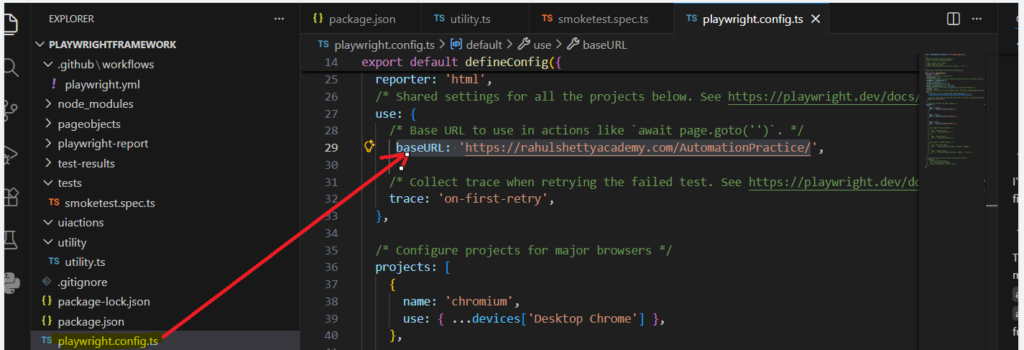
- Go to playwright.config.ts and add base url baseURL: ‘https://rahulshettyacademy.com/AutomationPractice/
2. Create helper.ts and add following code
In following code we have created function to open baseurl, if we give / in goto method it will directly pick url from config.json
For practice you can also give some other url to this function but its not recommended when you build framework e.g. await page.goto(‘https://www.youtube.com/’);
import {Page} from 'playwright';
export async function openbaseurl(page:Page)
{
    await page.goto('/');
}
3. Now in smoketest.spec.ts add following code
import { test, Page } from '@playwright/test';
import { openbaseurl } from '../utility/helper.ts';

test('home page loads', async ({ page }) => {
  await openbaseurl(page);
});
Now save and from terminal run command npx playwright test –headed
you will see test execution in UI only if you use –headed. If you simply use command npx playwright test then it will execute in headless mode.